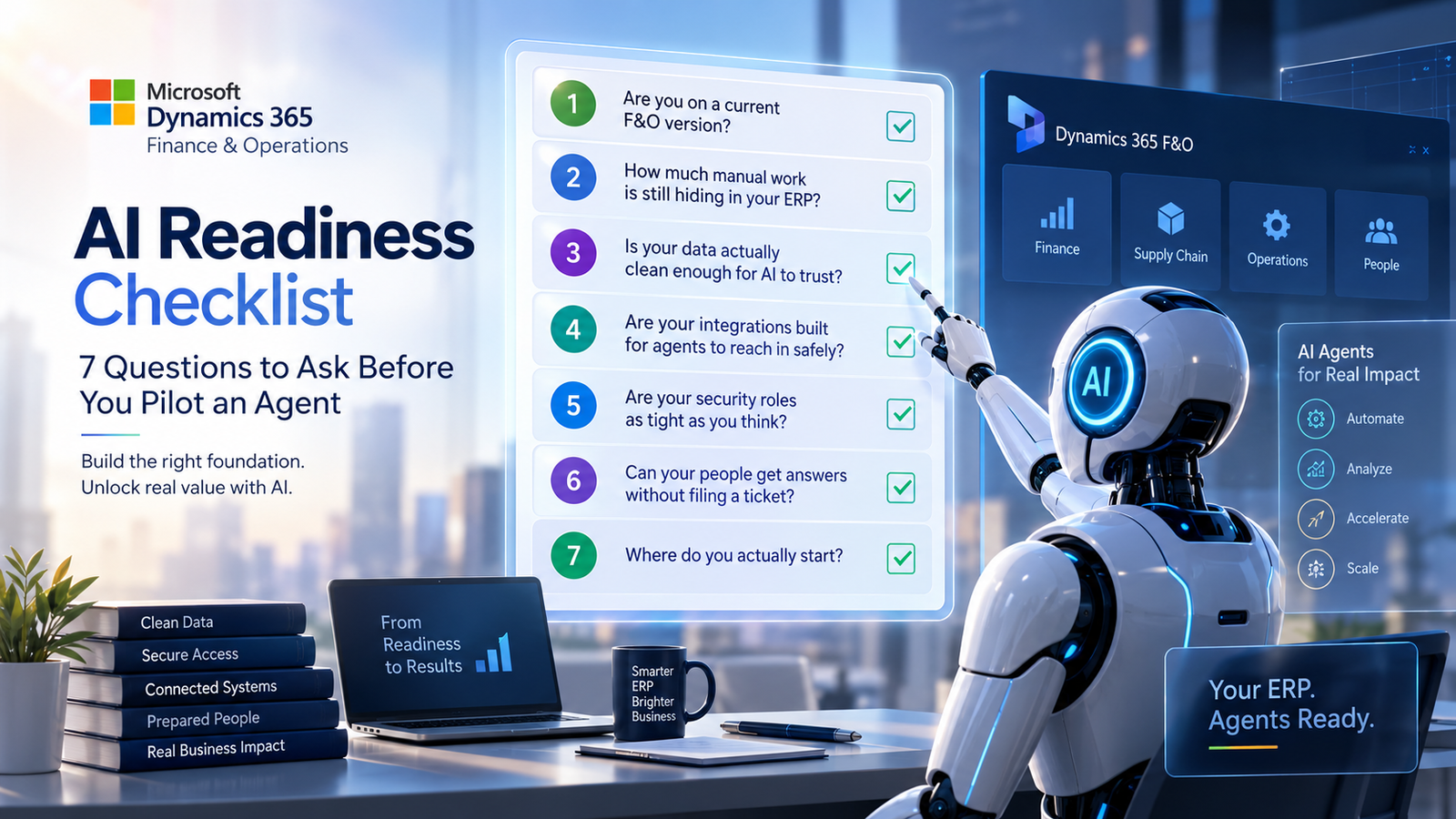
An AI agent doesn’t fix messy data, undocumented customizations, or loose security roles. It exposes them, at scale, in production. Microsoft’s 2026 release wave has shifted Copilot from a productivity assistant into an embedded “agentic operating layer” across finance, supply chain, and operations, and adoption is accelerating fast, Microsoft’s AI ERP customer base has grown from roughly 2,100 in 2018 to 14,000 today. The organizations getting real value aren’t the ones that flipped every switch at once. They’re the ones who checked their foundation first.
The details, briefly
- Version currency. The newer agent capabilities assume you’re reasonably current on platform updates. If you’re several releases behind, you’re not just missing screens, you’re missing the plumbing the agents depend on.
- Manual work audit. Map where people are still re-keying data, manually matching invoices, or exporting to Excel because a report can’t be trusted. Microsoft’s agent catalog, reconciliation, invoice capture, cash forecasting, is built almost entirely around these exact processes, so this audit doubles as your pilot shortlist.
- Data quality. Inconsistent GL mappings, stale dimensions, incomplete transaction history, an agent won’t compensate for any of it. It’ll amplify it. This has become the real bottleneck in most agentic ERP rollouts, ahead of licensing or feature availability.
- Integration readiness. The ERP MCP Server reached general availability in February 2026, letting agents built in Copilot Studio read and write directly to F&O data entities, including custom extensions, without ERP-specific development. That’s powerful, but only if your APIs, data entities, and customizations are documented well enough for an agent to interact with them safely.
- Security posture. Agents don’t get a separate identity. They operate inside the requesting user’s own security role. An agent will use whatever door is open, so role drift you’ve been meaning to clean up becomes urgent the moment agents go live.
- Natural-language access. Try asking your system a plain operational question right now, which vendors are overdue, which customers are slipping on terms. If the honest answer involves a ticket to IT, that gap is exactly what Microsoft’s ERP Analytics MCP capability is built to close, and it’s a good signal for where a pilot lands quickest.
- Where to start. Assess your foundation using the five items above → prioritize by volume and pain, not by demo appeal → pilot one contained process → automate what works and retire the manual version → scale to the next priority.